vib_ribbon
Active member
can anyone help?
Q1:
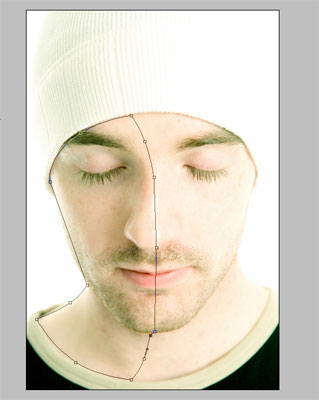
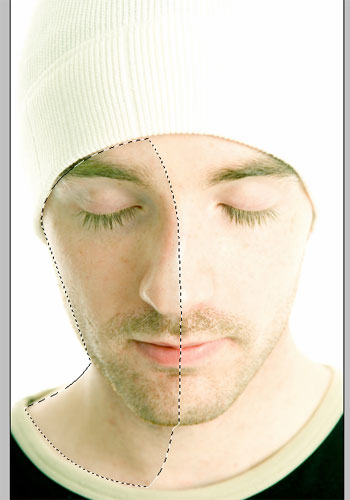
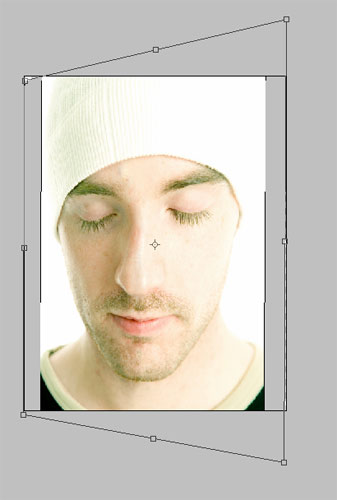
if i have an image of someone's face square on and i want to apply an effect to it to give a basic illusion that face has turned a bit to the side (about 30degrees?). without mapping the image to a 3D model, are there any techniques that can make this possible? displacement maps?
note the key word "basic".
d'oh! found a video:
https://www.youtube.com/watch?v=lQfrbKZKGNU
any alternatives?
next question soon. =)
vib_ribbon2014-12-19 11:17:40
Q1:
if i have an image of someone's face square on and i want to apply an effect to it to give a basic illusion that face has turned a bit to the side (about 30degrees?). without mapping the image to a 3D model, are there any techniques that can make this possible? displacement maps?
note the key word "basic".
d'oh! found a video:
https://www.youtube.com/watch?v=lQfrbKZKGNU
any alternatives?
next question soon. =)
vib_ribbon2014-12-19 11:17:40