DoDonPachi Dai-ou-jou Black Label Extra Xbox 360

Mark H

Active member
Feedback
7 (100%)
Credits
98CR
Hi All,

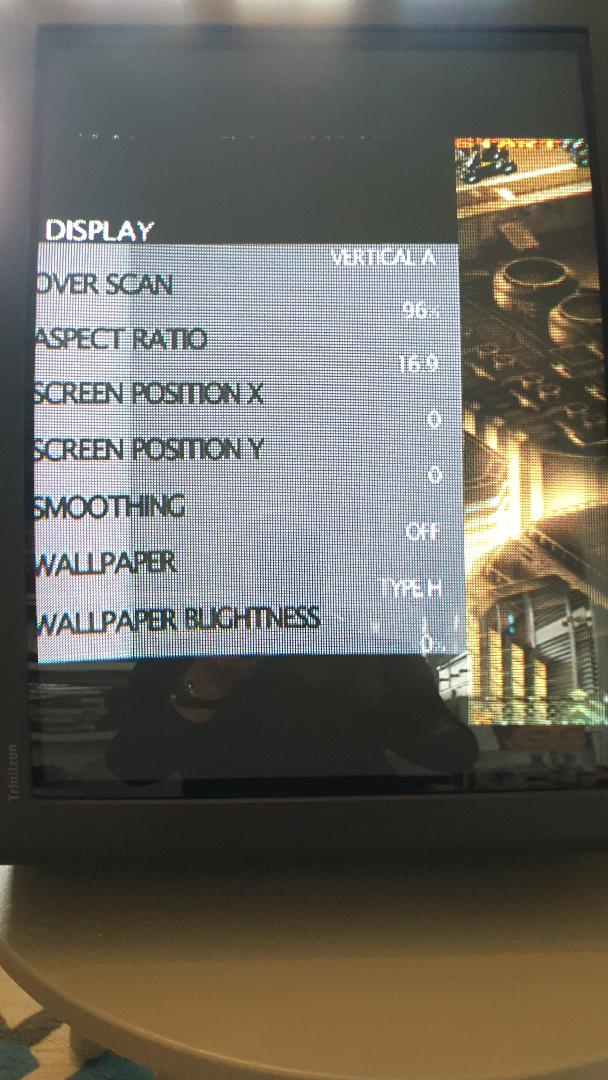
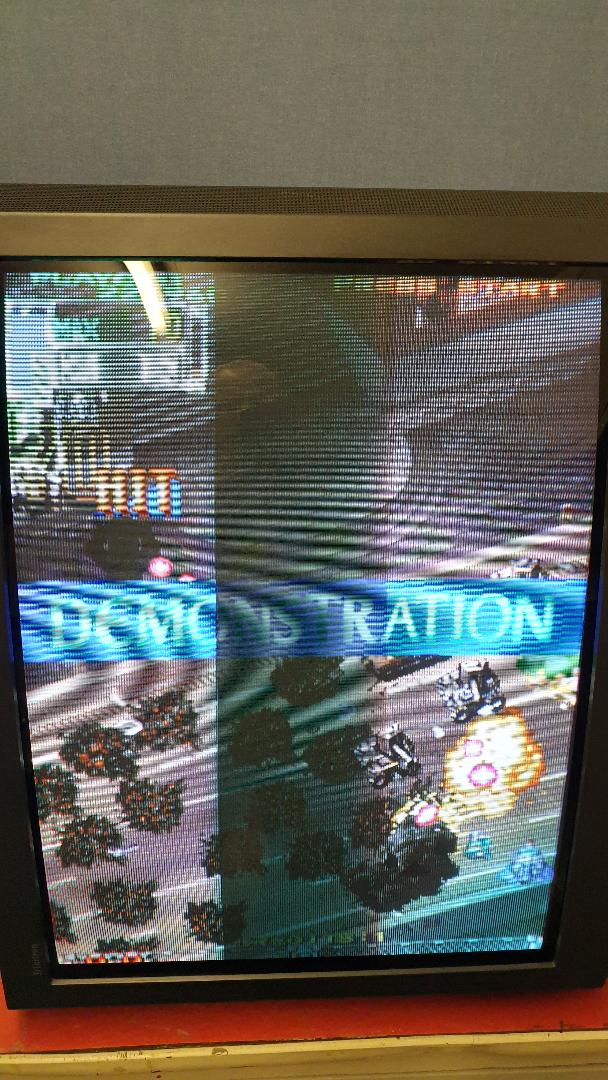
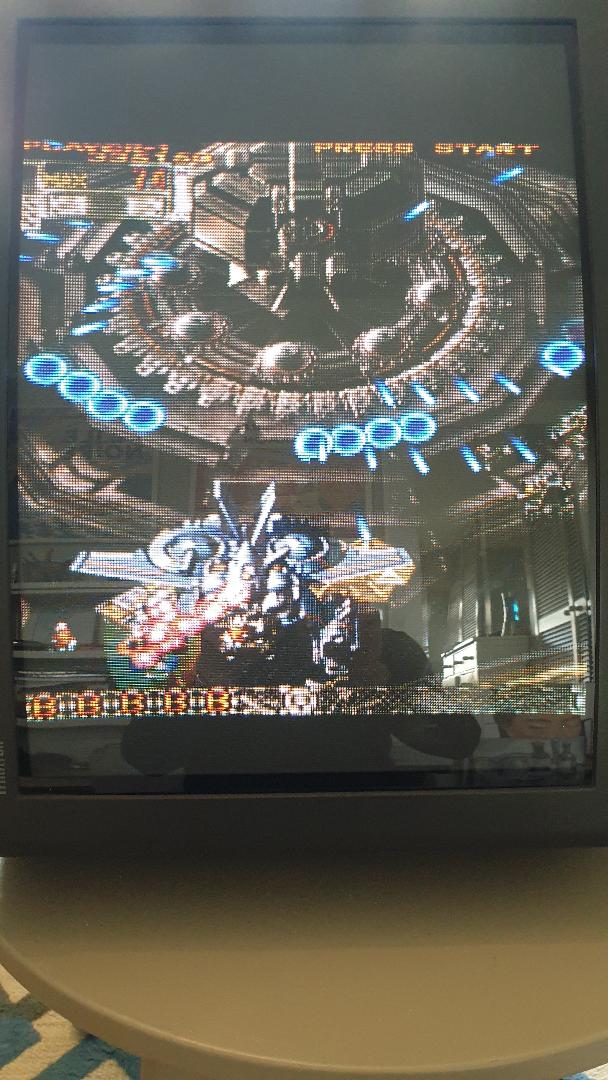
I have DoDonPachi Dai-ou-jou Black Label Extra on my Xbox 360 and this has had the patch (from 2011?) but I still get the initial loading delays and I can't configure a full screen display in TATE mode so is this usual or am I missing something? Excuse the bad phone pics as this looks great on my Sony 21" CRT with scart lead. Any advice would be appreciated.

Thanks

Mark
DoDon.JPEG


DoDon_1.JPEG
 

Sandinista

Newbie
Credits
13CR
Hi Mark , I've got this game and just tried it . Loading to 5pb screen is around 30 seconds .it works great via SCART on my Sony tated tv , full screen

Looking at your settings , the 16:9 needs changing to 4:3

Gaz
 

Sandinista

Newbie
Credits
13CR
Just remembered , the smoothing setting was removed by the patch ( I don't see that setting on mine )

You sure the patch is on there ?
 

Mark H

Active member
Feedback
7 (100%)
Credits
98CR
Hi - I've had the update patch applied (many thanks to "beaps") and as you can see the "smoothing" option has gone to prove the patch is activated, loading times have reduced and the graphics are much clearer. One issue though is that I can't select an aspect ratio option of 4:3, I can only select 16:10 or 16:9. Any ideas please and would that option of 4:3 get me a full screen vertically as I have borders at the top and bottom at the moment?

I am using an official Microsoft scart lead into a Sony 25" CRT TV from around 1996 which displays at 50/60Hz.

Thanks

MarK

DoDon_options_screen_1.JPEG
 

Sandinista

Newbie
Credits
13CR
Hi Mark

Just tried mine . I can get the same problem you have if I change the 360 display to widescreen .

On my Japanese s 360 this is in system/settings/display . This on mine is either normal or widescreen . It's got to be normal

Don't know if you see the Microsoft dashboard on a jtag ..

Gaz
 

Mark H

Active member
Feedback
7 (100%)
Credits
98CR
Hi Gaz,

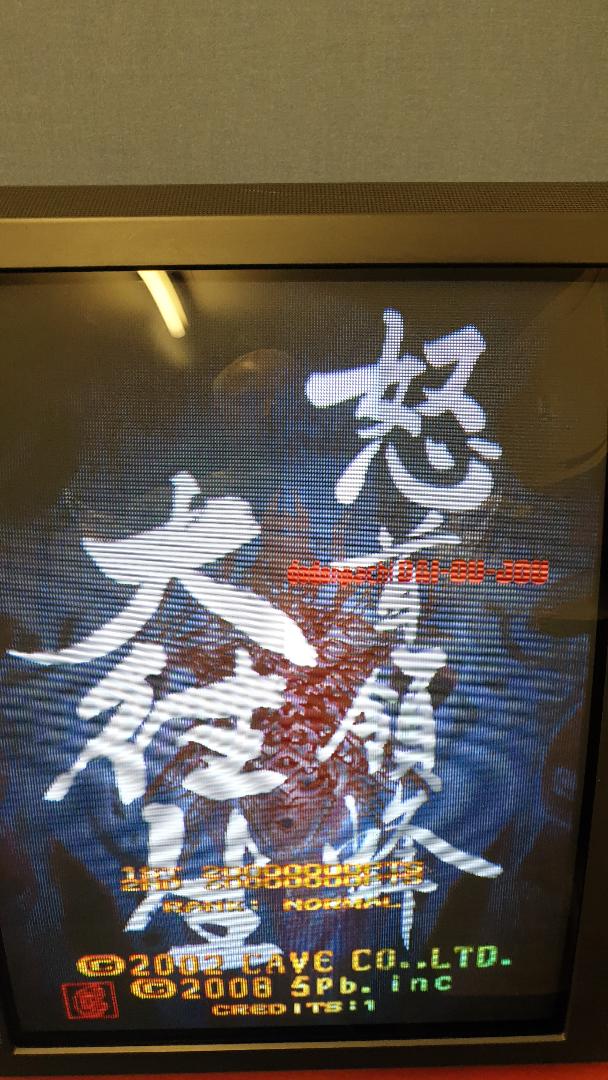
Thanks for the advice and yes it worked, I changed the screen display (still in JTAG mode) from widescreen to normal to enable the 4:3 aspect ration to be selected in the in game visual options screen. This enabled it to be displayed full screen on my 25" Sony CRT in TATE mode. I also have an official Microsoft scart lead which again improves the picture. Apologies for the quality of my phone pictures but these games (including Ketsui) now look stunning with true scanlines etc and are the next best thing to owning the actual PCB's.

Just getting into Raiden Fighters Aces too which is stunning and has every screen display option you could think of ! :)

DonDonPachi_screen_30_10_20.JPEG


DoDonPachi_title_screen_30_10_20.JPEG
 

Mark H

Active member
Feedback
7 (100%)
Credits
98CR
Thanks Gaz.
smiley20.gif


You must get Raiden Fighters Aces too soon, it's an amazing vertical shoot 'em up (3 games in 1). The screen display options are almost unlimited...
 

Mark H

Active member
Feedback
7 (100%)
Credits
98CR

Hi All - a few more pictures, the picture quality on my phone isn't great but you get the idea. Full screen gaming on a Sony CRT TV in TATE (vertical mode) at 60Hz in a 4:3 aspect ratio via official Microsoft scart lead, the scanlines are really great and of course add to the authenticity. These are all Cave games; DoDonPachi, Ketsui and Mushihimesama bar the last which is Raiden Fighters Aces which is also a stunning game:

DoDonPachi_title_screen_10_11_20.JPEG


DoDonPachi_game_screen_10_11_20.JPEG


DoDonPachi_game_screen_close_up.JPEG


Ketsui_title_screen_10_11_20.JPEG


Ketsui_scanline_close_up_no_2_10_11_20.JPEG


Ketsui_game_screen_10_11_20.JPEG


Mushihimesama_10_11_20.JPEG


Mushihimesama_-_close_up__10_11_20.JPEG


Raiden_screen_2___10_11_20.JPEG


Top