

Well, as you all know, I picked up Flying Shark with a graphic issue from the raid. I fixed the graphic issue by separating a couple of legs which had been bent and touching on the back of the board.
Anyway, I've decided to try and clean it. I have access to a dealership workshop and compressed air.
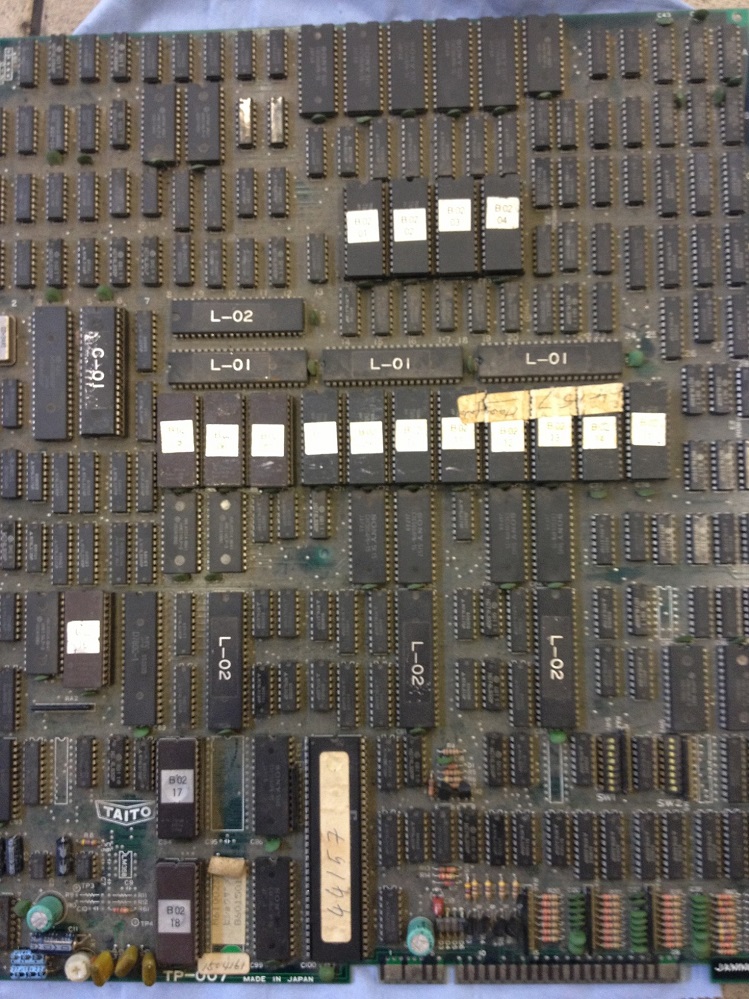
Here is the state of the board.
I used an electrical evaporating cleaning spay called Brakelec III and a brush to clean the board.
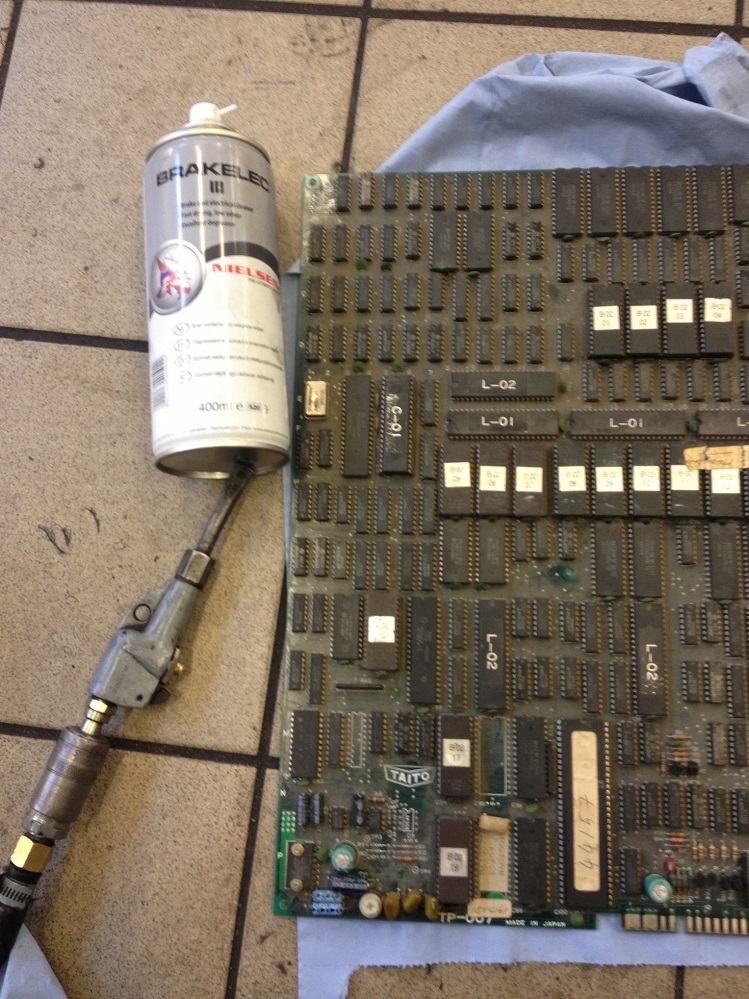
And this is the end result.

I could probably repeat the process another couple of times to get it cleaner.
Just need to plug it in and make sure it still works

Big Phil2013-08-02 12:12:32
Anyway, I've decided to try and clean it. I have access to a dealership workshop and compressed air.
Here is the state of the board.
I used an electrical evaporating cleaning spay called Brakelec III and a brush to clean the board.
And this is the end result.
I could probably repeat the process another couple of times to get it cleaner.
Just need to plug it in and make sure it still works
Big Phil2013-08-02 12:12:32


