Monitor not working

kj23

Newbie
Credits
1CR
Hey,

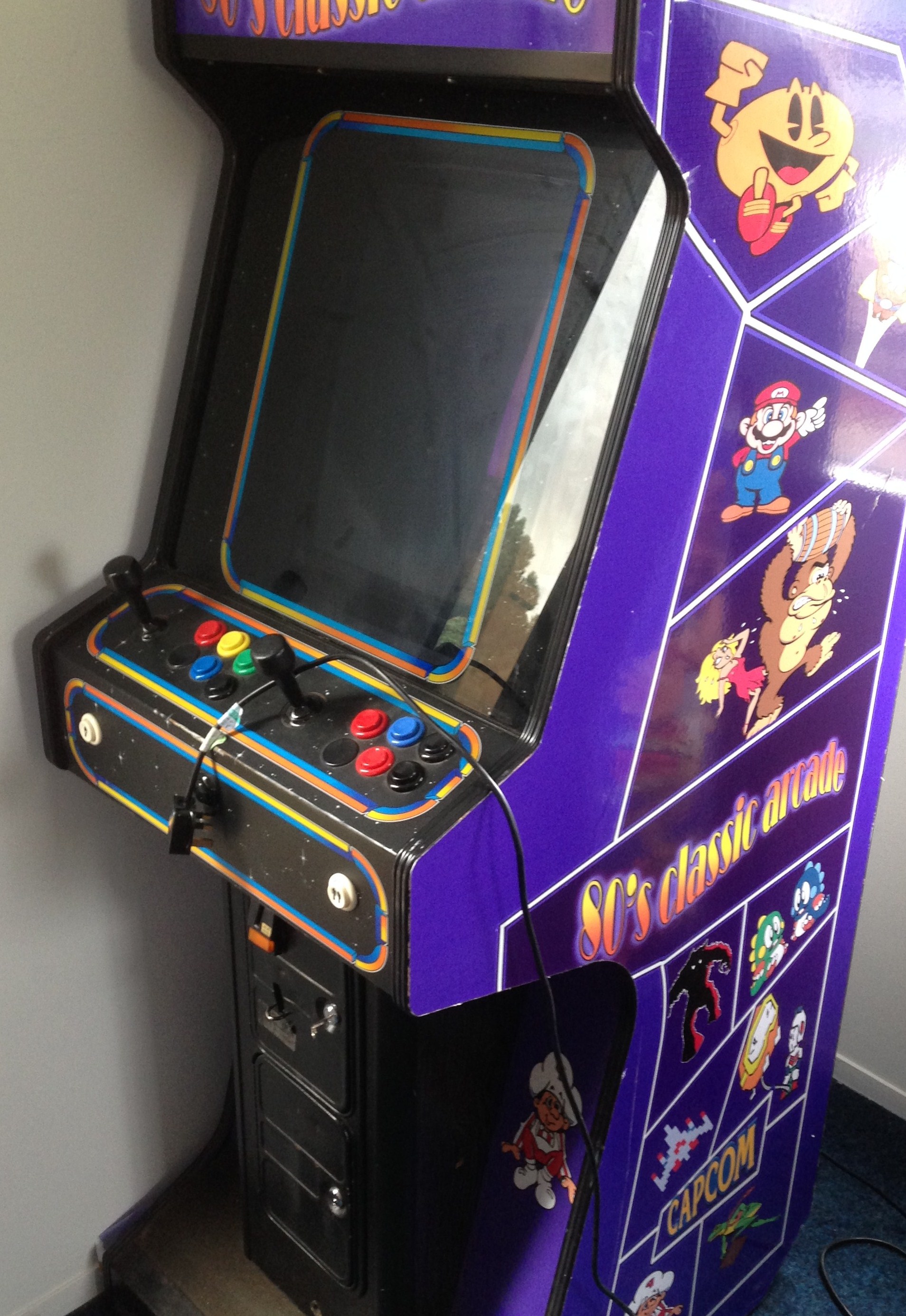
Would really appreciate some help with this please. I got an arcade machine from someone who didn't really know anything about it and i possibly know less.

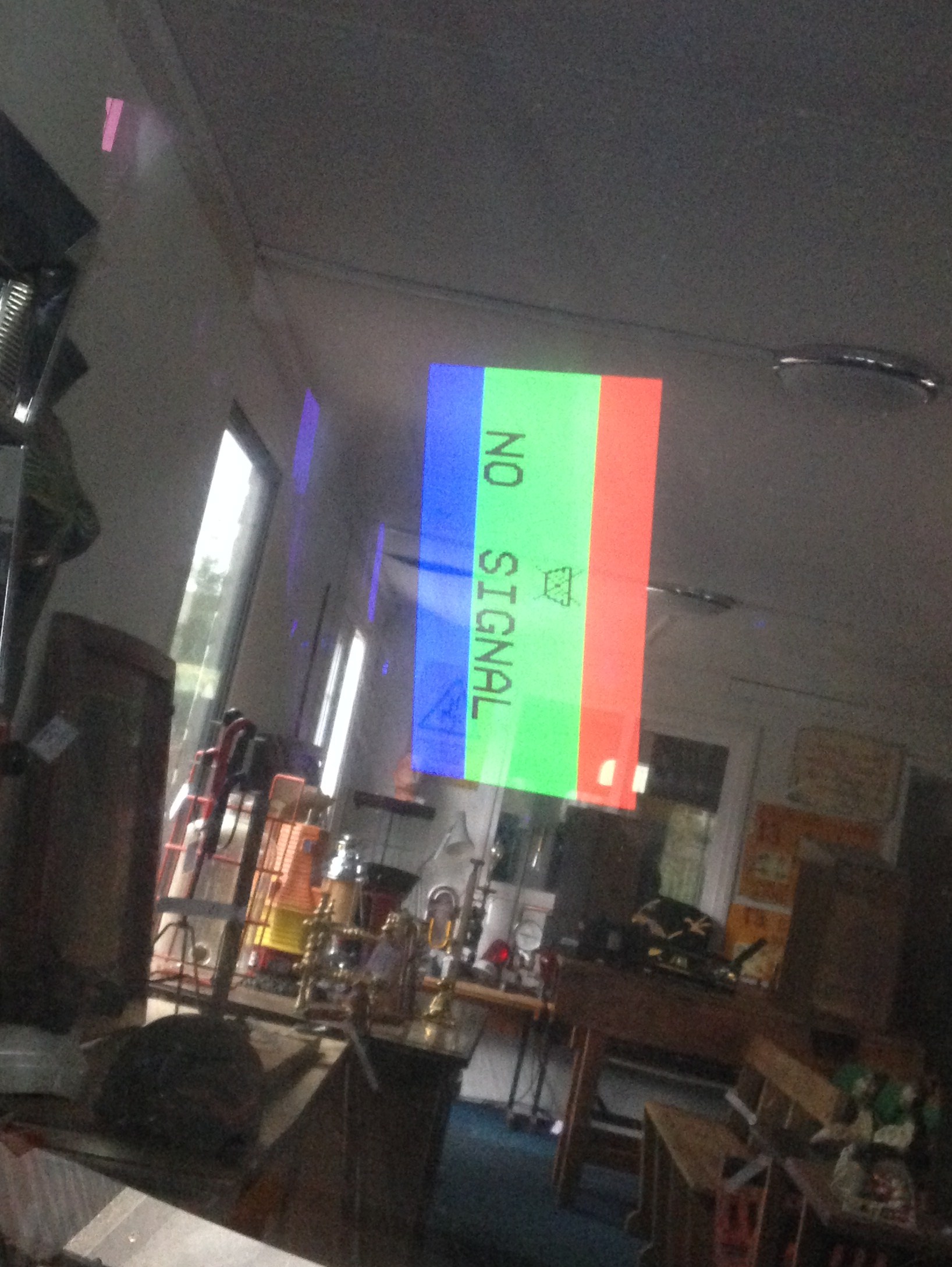
It was originally working but couldn't play as it wasn't taking coins and we couldn't work out how to get the free play going. Finally worked out how to get credit on but just after as i was messing about in the back i took the tape off the button that was pressed in and the monitor went off and hasn't worked since. They is still sound, there's a no signal error but that's it. Had a look, nothing appears to be loose but honestly wouldn't really know what to look out for.

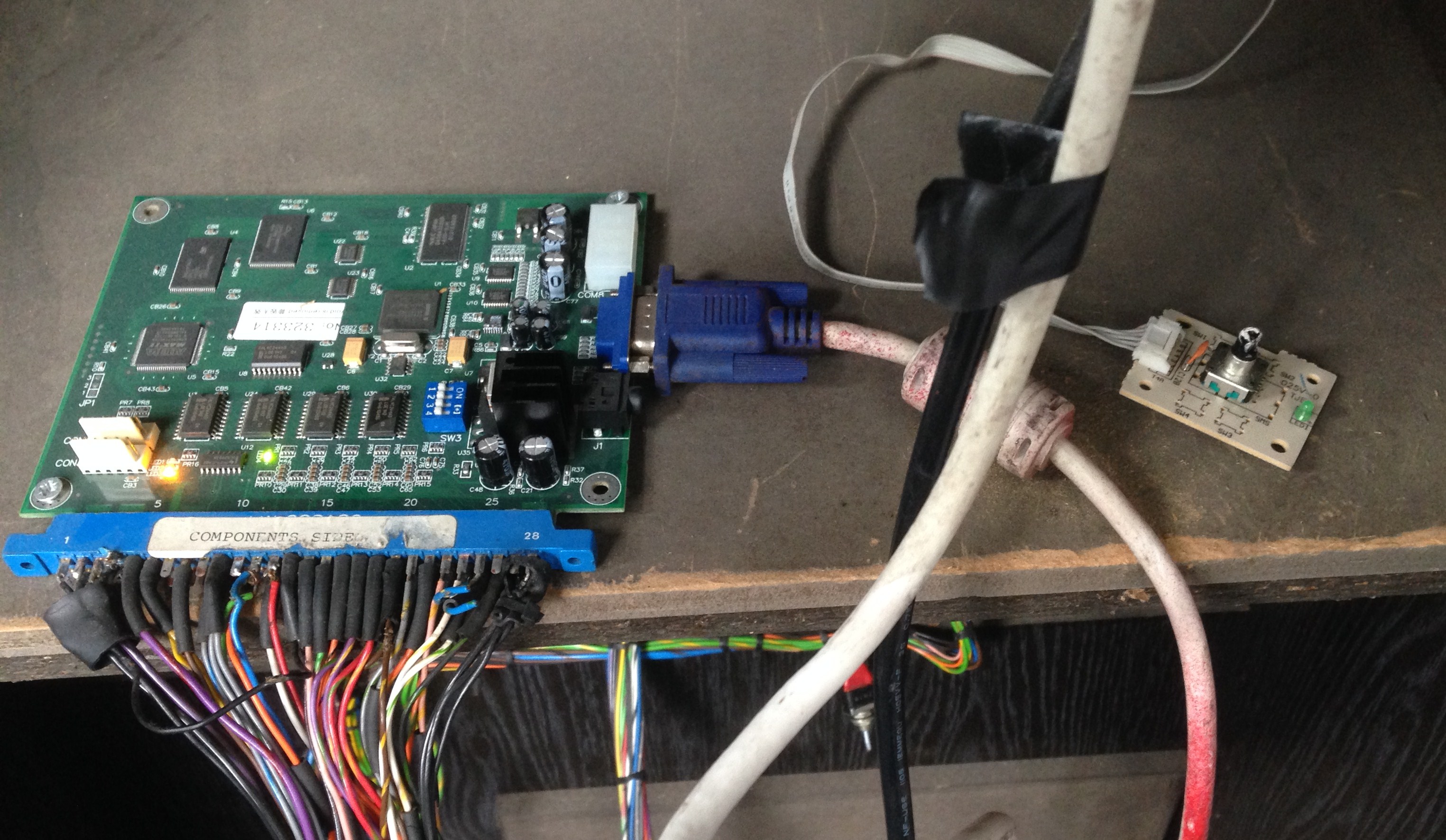
Attached a few pics which hopefully would help. It could be as simple as a loose wire, needs reset or i've completely killed it.
IMG_2515.JPG
 

Jon-A-Tron

Active member
Feedback
2 (100%)
Credits
233CR
So my first thought is that the switch what you took the tape off is faulty. This is most likely the inhibit switch used to turn off the crt monitor when you take off the back panel. Looks like you are running a lcd screen so dont know how it is run through this switch.
Pull out the switch to bypass it with the back door off.

Edit. By pull out i mean the switch part. It should have 3 positions
Middle - off
Spring In - on (with panel on)
Pull out - always on

Hope that clarifies.JonTron2017-10-11 14:04:41
 

kj23

Newbie
Credits
1CR
Thanks for replying. That did seem to be the cut out switch for when the back was off, even though the back was on originally it was still taped over.
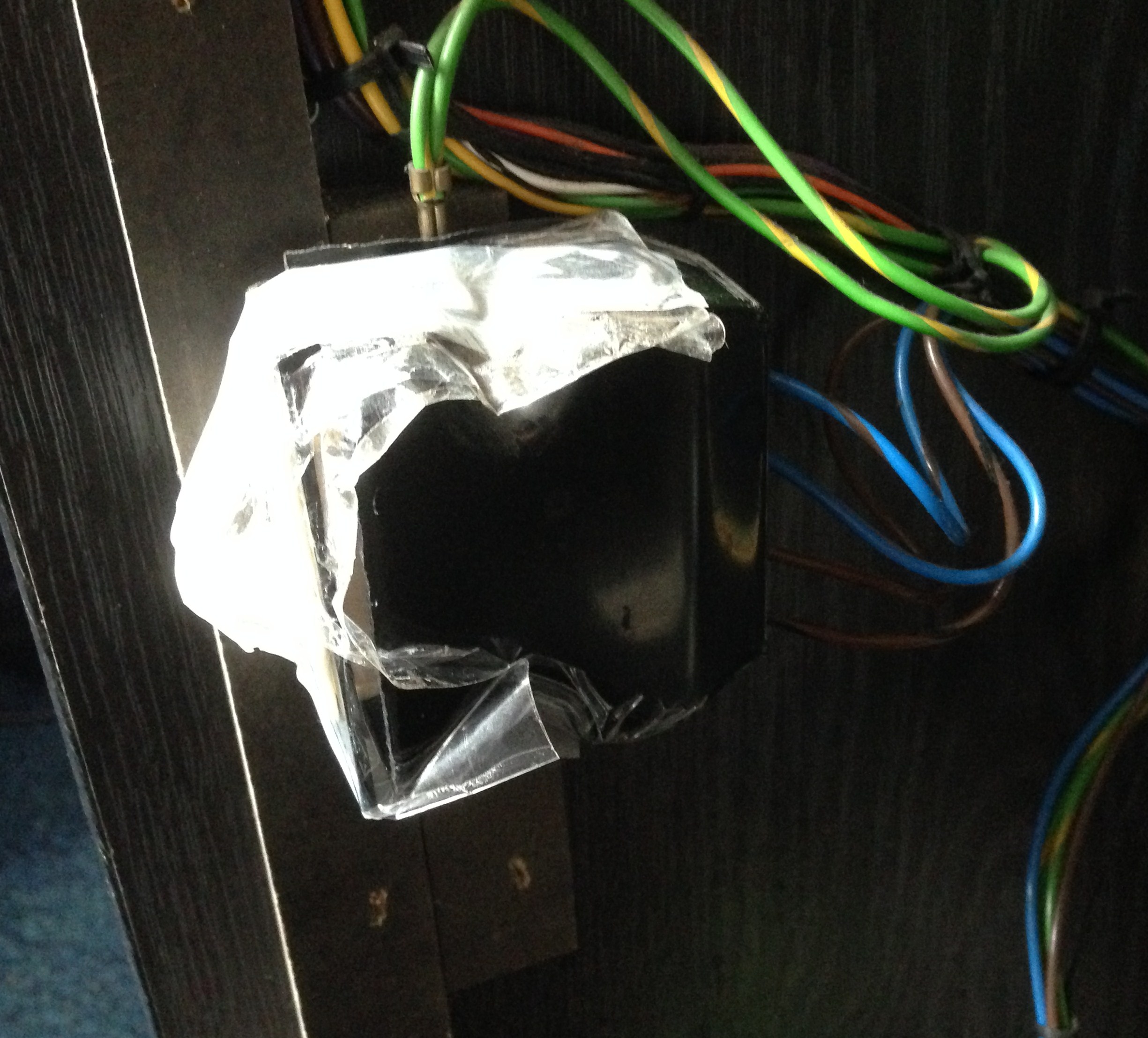
Is there any easy was to "pull it out", i've attached a pic, there's half a dozen wires there?!
IMG_2518.JPG
 

kj23

Newbie
Credits
1CR
i was replying when you edited your post, i'll have to have another look but it seems to be active when pressed it and off when not.
 

Jon-A-Tron

Active member
Feedback
2 (100%)
Credits
233CR
Cant work out what is going on there. Looks like more tape over the switch part. It should be a white plastic switch. The monitor has most likely been powered directly which means it comes on. This will supply your power supply therefor you have no voltage going to your gameboard, which would give the signal to the monitor.JonTron2017-10-11 14:16:05
 

aeroflott

A different league
Feedback
16 (100%)
Credits
1,049CR
Remove all that tape, grab the switch toggle and pull it outwards. if it won't pull outwards, push it in and hold it.

Basically, the previous owner has taped the switch so that when the back door is removed, the thing won't power off.
 

kj23

Newbie
Credits
1CR
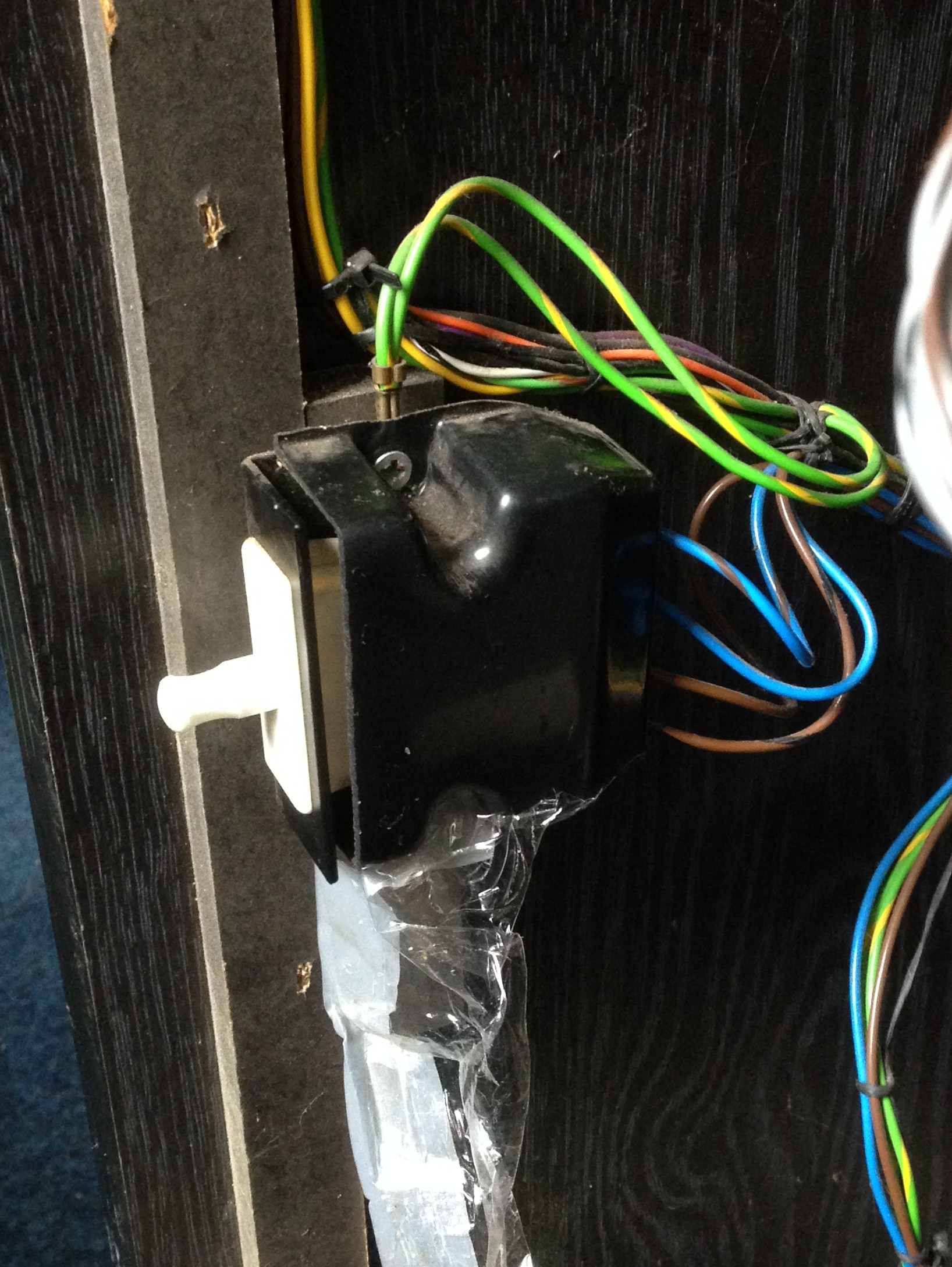
Right, took all the tape off, put the back back on so the button must be pressed in, still get no signal on the monitor. Added pic with tape off if that helps.
IMG_2521.JPG
kj232017-10-11 15:11:28
 

Shun

Active member
Feedback
1 (100%)
Credits
489CR
Are you getting both game sound and a "no signal" on the monitor?
If so, then the monitor is most likely working and so is the game board.
It could be an issue between the game board and the monitor.

That looks like a VGA cable in the picture above. If it is can you try replacing the VGA cable with a know working one?
Can you plug the vga cable into another VGA monitor?

DON'T plug a different source/PC into the existing monitor as we don't know what resolutions it accepts.
If plug a PC into it and it's running at 1024x768 and the monitor only accepts 640x480 you could kill the existing monitor.
 

kj23

Newbie
Credits
1CR
Hi, yeah, sound AND a no signal message on the monitor. A friend thought it could have been the VGA cable also so it was given a fiddle and tighten but hasn't been tested with a new one yet. He tried plugging it into an old laptop but nothing came up or changed that way.
It can be seen in one of the photos there was a flashing orange light that i think it says LED 2, wasn't sure if that was an issue, almost like it was on the wrong channel.

Thanks for the help.
 

Shun

Active member
Feedback
1 (100%)
Credits
489CR
Can you try plugging the game board into another VGA monitor?
If that works, then we know that the board is ok and can be eliminated from the troubleshooting.
 

Jon-A-Tron

Active member
Feedback
2 (100%)
Credits
233CR
Another thing to look at is the dip switches on the game board. Looks like a 19in1 board similar to what i got last week. That board came with the dip switches set for vga. Thats what you want i think. Its the gang of 4 white switches on the blue block.
Should be
off/on/off/off. For VGA (cam someone else confirm this?)

Think you have it set to
off/off/off/off.
 

Fantazia2

Active member
vacBacker
Feedback
13 (100%)
Credits
2,209CR
From the pics I think its a SVGA CRT, as said above its getting power as its showing a no signal error.

One thing you can try is unplugging the VGA lead from the monitor in the cab and try plugging it into a PC Monitor/LCD or a TV if it has an VGA input, and see if the board is outputting a VGA signal or if there is an issue with the VGA lead.

If nothing came up when it was plugged into a laptop then I would guess it was either the VGA cable that is faulty or something has gone on the monitor itself, although it could be that the laptop didnt detect the screen and enable its output via the VGA socket.

If its the same monitor I have in one of my cabs then the little white circuit board on the right of the first picture is the controls for the monitor, it should be a rotary knob that you can push in to select, might be worthwhile seeing if there is any menu options to change input, but I think these monitors tend to only have 1 input anyway.
 

Fantazia2

Active member
vacBacker
Feedback
13 (100%)
Credits
2,209CR
JonTron said:
Another thing to look at is the dip switches on the game board. Looks like a 19in1 board similar to what i got last week. That board came with the dip switches set for vga. Thats what you want i think. Its the gang of 4 white switches on the blue block.
Should be
off/on/off/off. For VGA (cam someone else confirm this?)

Think you have it set to
off/off/off/off.

Well spotted, but he might want it to off/on/on/off so he gets high score save as well.
 

kj23

Newbie
Credits
1CR
Morning update, took the back off, pulled that white switch on the bottom left hand side out all the way which i didn't try yesterday, left the back off and moved the 2 centre little switches mentioned above to the on position and turned the arcade on. The the checkerboard type screen below, pressed a button it then went to an upside screen mentioning clearing high scores i think it was, maybe press S1 and a button. I then pressed a button on the front and it went to the other image attached below, still upside down but i've rotated it here so it's easier to read. Now don't know what to press as i'll likely make it worse and the screen is the wrong way around.

Any ideas? Thanks in advance.

IMG_2524.JPG
IMG_2523.JPG
 
Top