Note: I appreciate some of my fixes aren't that involved and some of the faults may have been due my own (or my brother's) f*ckwitteery many years ago. But it feels nice to log them and it might be of some interest to someone. I might just append this thread if I manage to fix any more boards with simple fixes.
Anyway, I've had 2 Rolling Thunder 2 PCBs for a long while. One has always had a graphics problem, the other a memory error (which I'll look at later this week).
So the graphics error:
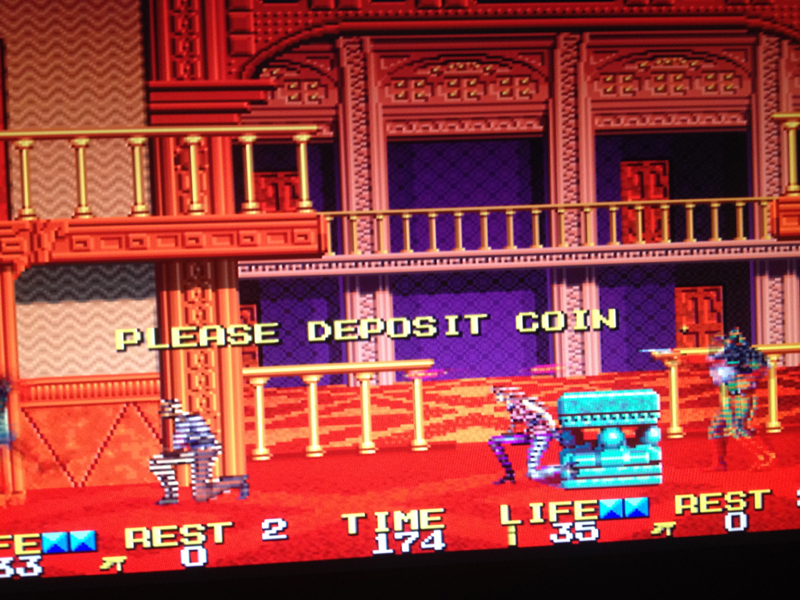
It's just affecting the sprites, so it can be isolated to the video PCB and the 'object' section.
As the sprites are often correct, but corrupt when in certain positions, it's unlikely to be ROM.
As the sprites are in the right place, it's probably not the RAM where the processor puts the sprite commands (object RAM?).
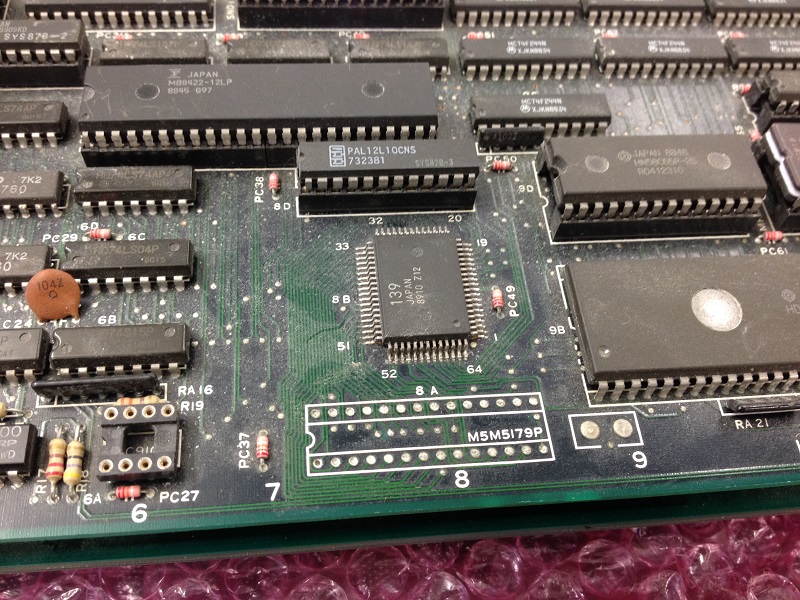
This was my train of thought, just before I looked at the board and noticed there was no 256x8 SRAM chip in location 9M... Bit embarrassed I'd never spotted that. As I had nothing to swap-in, I had a look at the schematics, in-case it is redundant (it is a System 2 common PCB).
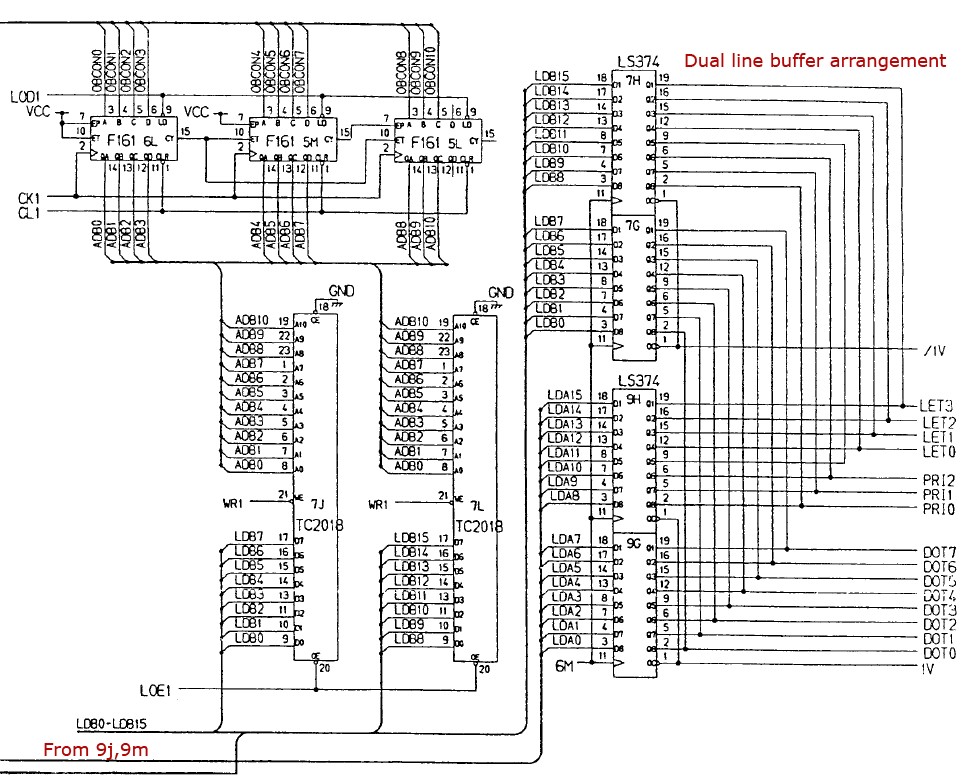
There's a dual-line buffer there, with two pairs of SRAM chips doing a line at a time. As 9m is part of one pair, that would explain why only every other line is corrupt.
9m is part of the upper 8-bits of one of the buffers, so it'd certainly corrupt the priority and whatever the 'LET' lines are.
I did then manage to borrow an SRAM off another game and the result:
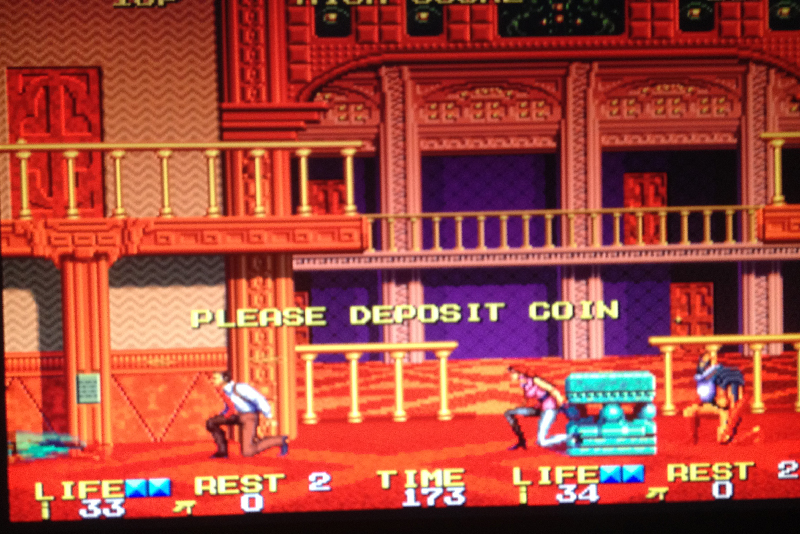
Which was nice

There was also another issue in that one of the custom ICs appeared to have a bent leg. When I went to look at it, it fell off. Just a small GAL-like custom (106)that was part of the scrolling (game appeared OK at a glance without the pin).
With the aid of scalpel and microscope, I managed to find enough remnants to put a single strand of wire onto it and mount the chip in a DIP-16. I'll cover it with hot glue to seal the job.
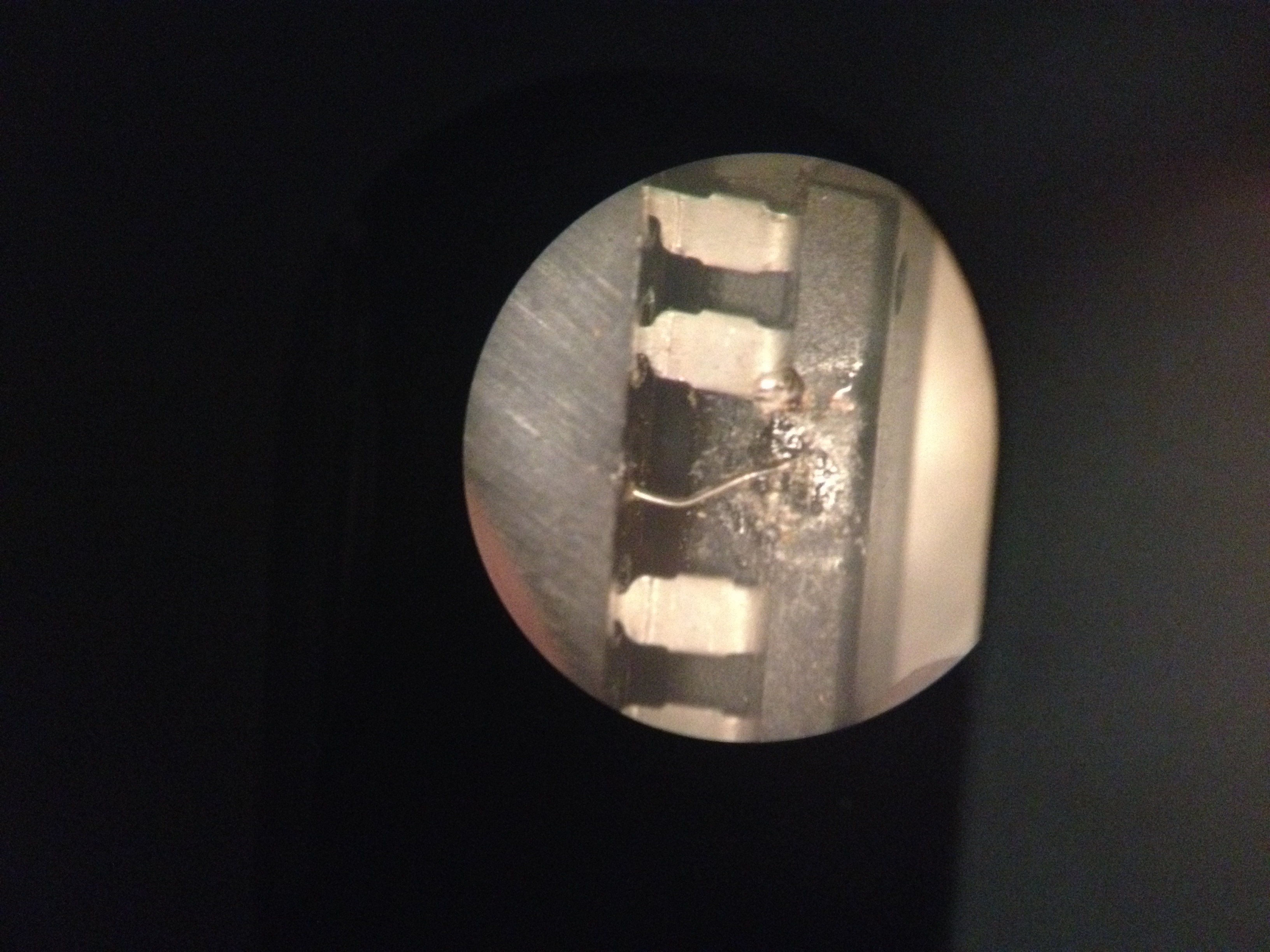
So a lot easier than expected, but that's all graphics issues sorted. Onto the RAM error next (which I believe is just redundant comms-RAM)...
Anyway, I've had 2 Rolling Thunder 2 PCBs for a long while. One has always had a graphics problem, the other a memory error (which I'll look at later this week).
So the graphics error:
It's just affecting the sprites, so it can be isolated to the video PCB and the 'object' section.
As the sprites are often correct, but corrupt when in certain positions, it's unlikely to be ROM.
As the sprites are in the right place, it's probably not the RAM where the processor puts the sprite commands (object RAM?).
This was my train of thought, just before I looked at the board and noticed there was no 256x8 SRAM chip in location 9M... Bit embarrassed I'd never spotted that. As I had nothing to swap-in, I had a look at the schematics, in-case it is redundant (it is a System 2 common PCB).
There's a dual-line buffer there, with two pairs of SRAM chips doing a line at a time. As 9m is part of one pair, that would explain why only every other line is corrupt.
9m is part of the upper 8-bits of one of the buffers, so it'd certainly corrupt the priority and whatever the 'LET' lines are.
I did then manage to borrow an SRAM off another game and the result:
Which was nice
There was also another issue in that one of the custom ICs appeared to have a bent leg. When I went to look at it, it fell off. Just a small GAL-like custom (106)that was part of the scrolling (game appeared OK at a glance without the pin).
With the aid of scalpel and microscope, I managed to find enough remnants to put a single strand of wire onto it and mount the chip in a DIP-16. I'll cover it with hot glue to seal the job.
So a lot easier than expected, but that's all graphics issues sorted. Onto the RAM error next (which I believe is just redundant comms-RAM)...