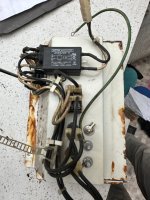
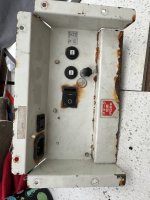
Yeh I can see the resemblance,In case anybody was wondering both the Namco Noir & Sega Lindbergh were made in the same factory by Tsugawa Electric Works Company Limited, Japan.
Hence why they share parts & wiring.
Both tanks !
 they are well made
Yeh I can see the resemblance,In case anybody was wondering both the Namco Noir & Sega Lindbergh were made in the same factory by Tsugawa Electric Works Company Limited, Japan.
Hence why they share parts & wiring.
they are well made
Thanks..Mo had some Toshiba pf chassis.

TOSHIBA PE0493 CHASSIS
Key Features and Technical Details Compatibility: Designed for Sega New Net City, but compatible with various 29www.videotronicsuk.com

It’s what I have in my NNC. I have yoke swapped that because the old one was faulty. But should be still from one of the revisions of d29cxxxxThanks..
That looks good
It’s what I have in my NNC. I have yoke swapped that because the old one was faulty. But should be still from one of the revisions of d29cxxxx
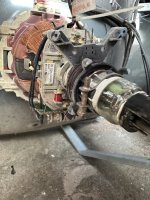
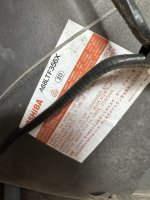
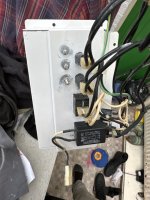

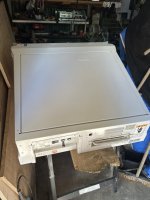
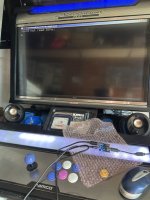
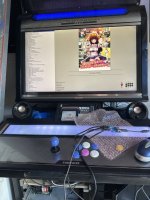

Yeh will do ..View attachment 66253
Looks the same as my old busted one. I think it will work fine. I had a weird line down the middle and bad convergence with a pfx but the one from Mo works perfectly.
Just to add, I think the degaus connectors will be slightly different to your tube. If you find what connector should be for new chassis, let me know as bean degaus-less for a while as not got round to it.
| Lh | Lv | Rh | Rv |
| 0.30 mH | 14.8 mH | 0.9 ohm | 8.2 ohm |
| Lh | Lv | Rh | Rv |
| 0.30 mH | 15.2 mH | 0.9 ohm | 8.3 ohm |
SF3 3rd strike online has widescreen mode also stretched mode .You might've mentioned it, but Street Fighter 3, 2nd Impact has a widescreen option.
It ran the pixel clock faster so it's 496x224 rather than 384x224, so genuinely more pixels. Shame 3rd Strike didn't include it.

Xbox online ver is actually very nice.Nesica version on the multi is 4:3 with the sides filled either some art work.
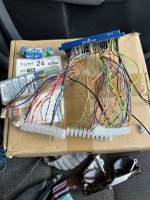
Did you try this config?Iona jvs to usb connected to ttx2 niko multi ..
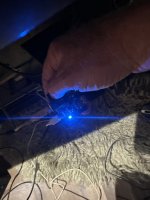
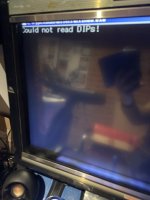
I get this on power up View attachment 66251
Could not read dips ?
Assuming dips on mother board ..
Remove the board and View attachment 66252
Multi loads fine
Ok I need to flash updated firmware to the Iona pcb
thanks nam9 ..Did you try this config?
Activate JVS data signal level adjustment
On 1.43 and later, booting with the TEST button pressed will flip the current settings.
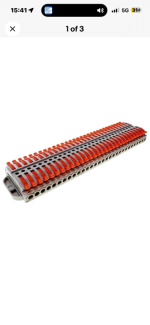
Only looking for something that has a quick connect & disconnect of a cable circa awg 16
Did you try this config?
Activate JVS data signal level adjustment
On 1.43 and later, booting with the TEST button pressed will flip the current settings.